Sell digital goods
Create a store in short terms
and start earning from content
Free trial for 7 days
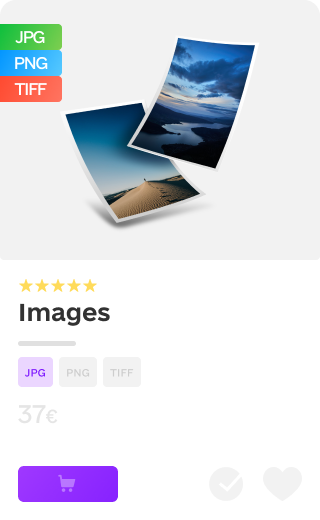
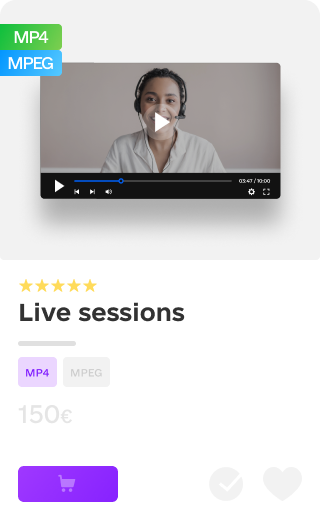
What can you sell?
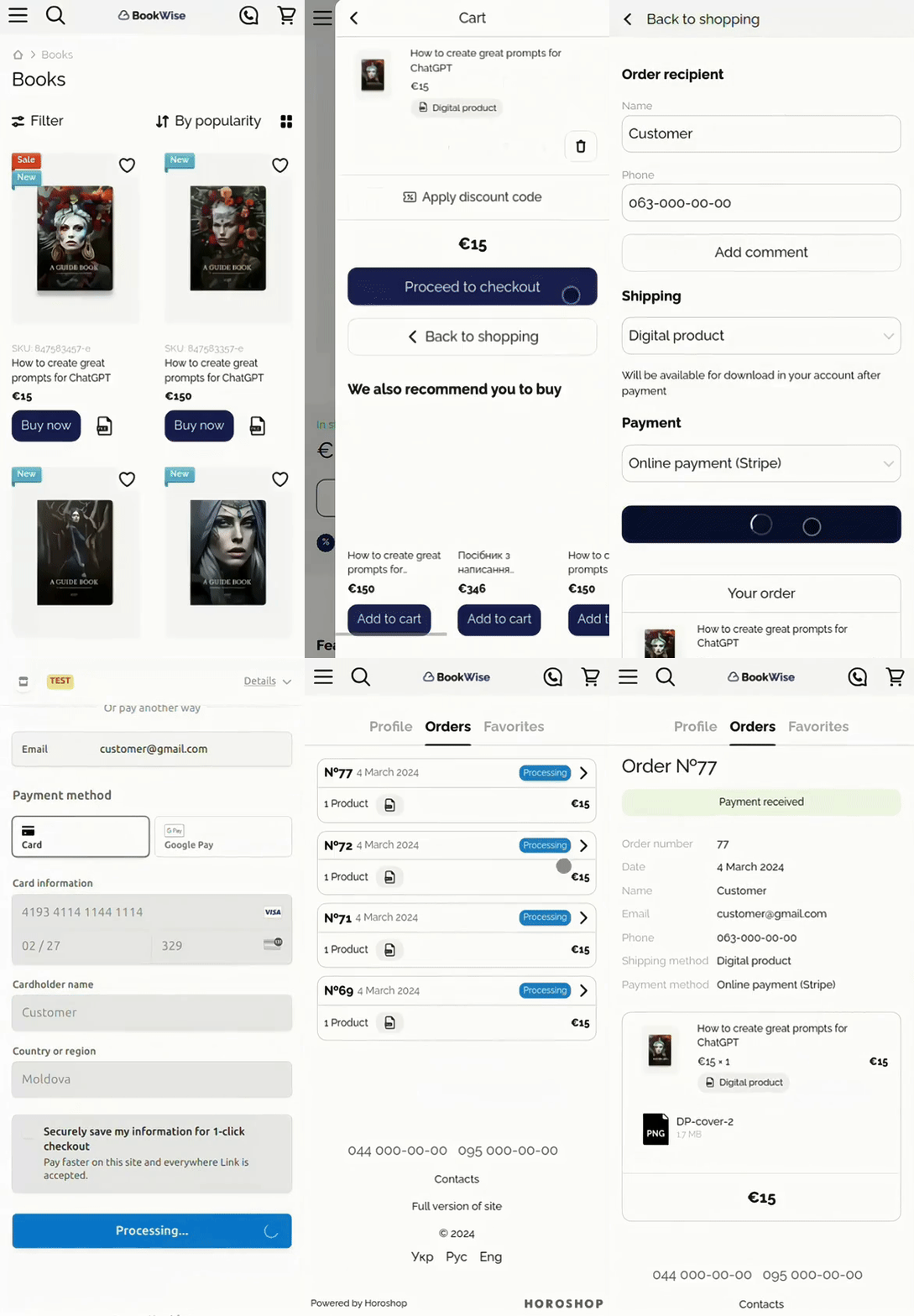
Easy to order — customer
receives the goods in seconds
-

Customer selects an item
on the website -

Pays for the order online
-

Files are available for downloading
It's good for
-

Publishers
Add e-books in a variety of formats to the range, in addition to paper books
-

Educators
Create a website to easily sell your instructional materials to students and colleagues
-

Photographers
Create a portfolio website with images in different variations and the option to sign up for a photo shoot
-

Designers
Launch a vibrant digital content shop to sell your content
-

Creators
Build a website to sell your digital products, gather your own customer base
-

Consultants
Enrol clients into your schedule for available time after automatic payment for the service
Create a digital product store
-
Make an application

-
Select design
-
Add products
-
Launch a store
Launch your store in a few minutes
Free trial for 7 days
Cartum features
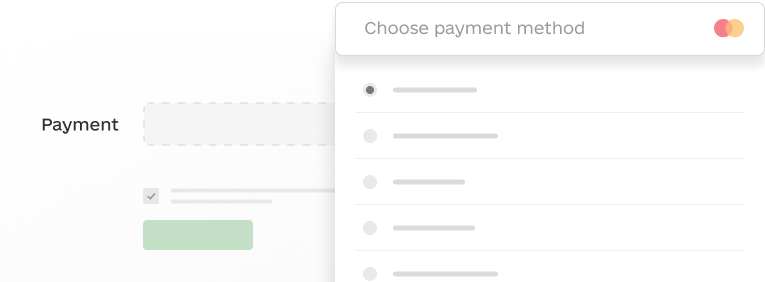
Easy setting for online payment
Quick and easy integration of different online payment systems, convenient choice of payment at the time of ordering
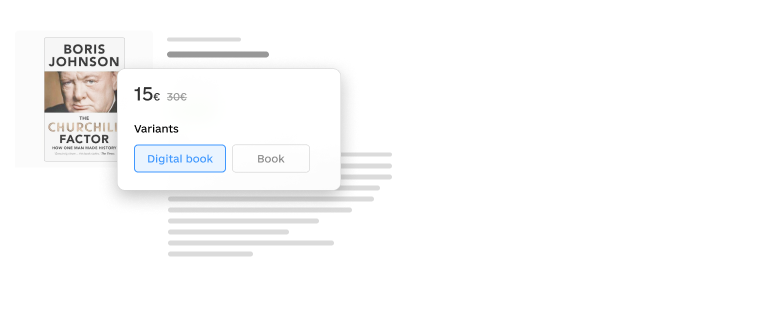
Product variations
Ability to set different prices for different sets of files
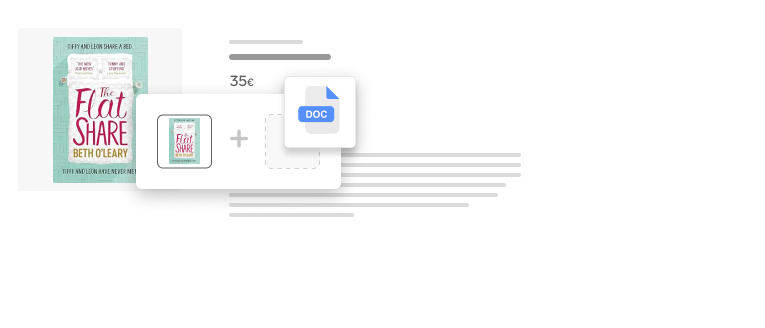
Combined Products
Option to add files that can be downloaded after payment to physical goods
Simple form
Minimal effort from the customer and still gathers all the necessary information
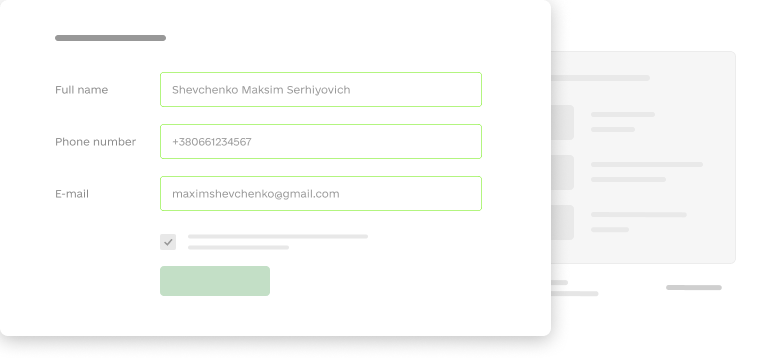
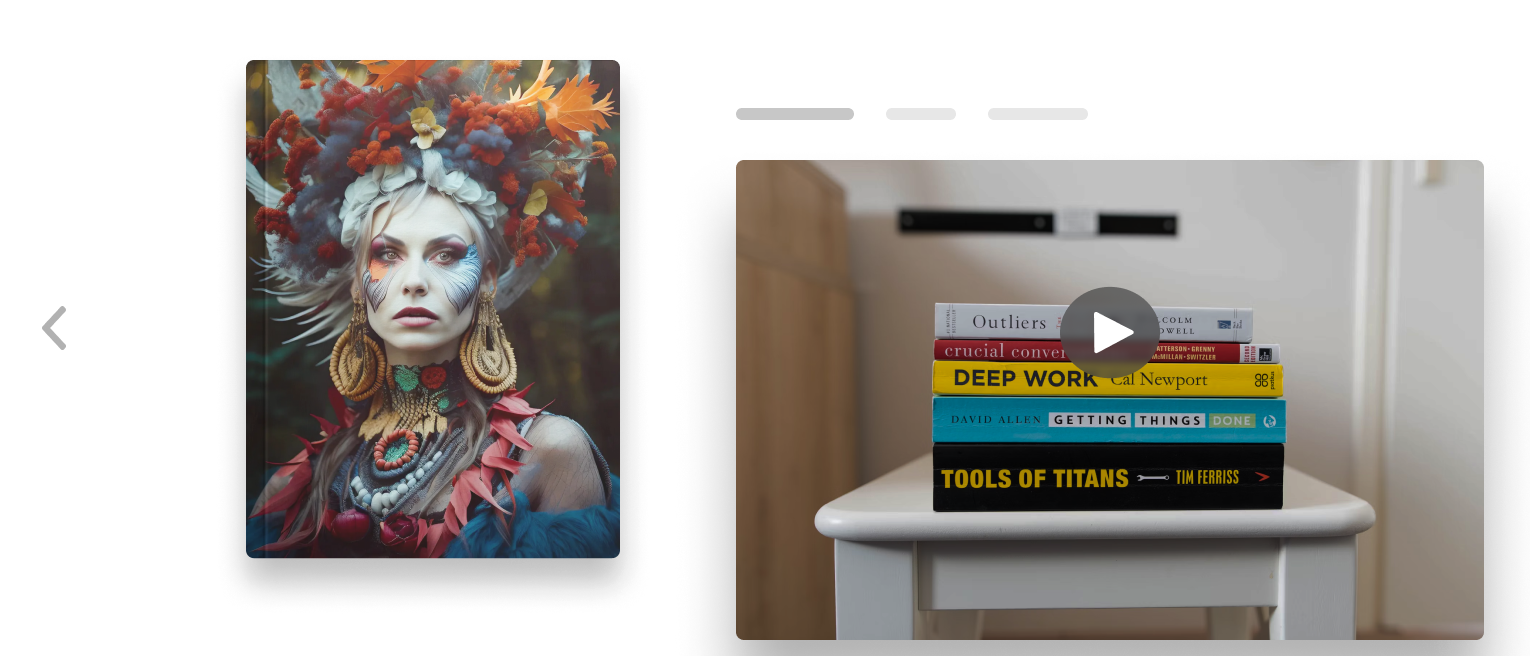
Photo gallery and video
Numerous images and videos can be easily added to the product card, allowing you to present your product in the best possible way
Version updates
When the download file is updated, the customer will receive the new version in their account automatically
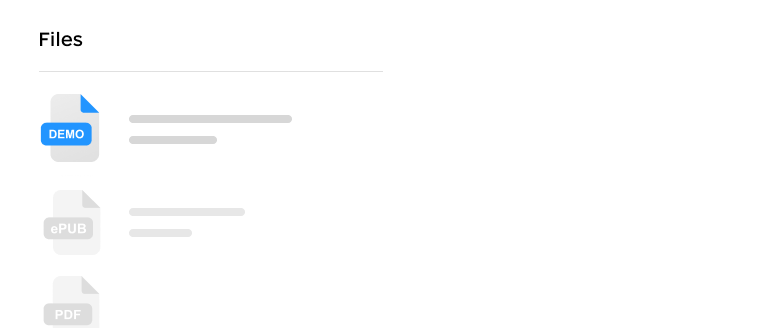
Files on the page
Ability to post excerpts and extras for review prior to purchase
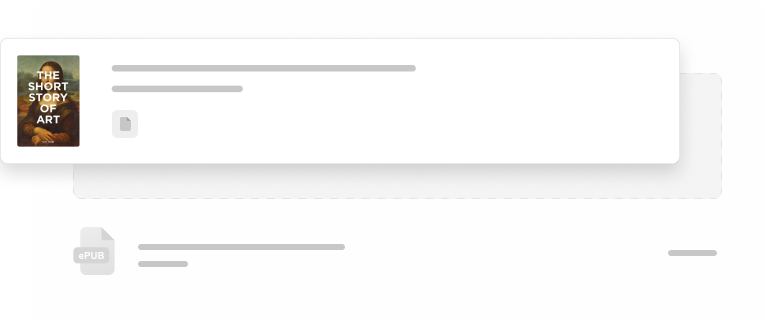
Personal account with files for downloading
Digital goods are delivered instantly after payment in the customer's personal account
Accept payments from all over the world
Receive online payment from your customers through one of the online payment systems: Stripe, PayPal, PayU, Nexi, Monri and others





How much does it cost
Monthly
Payment per year -20%
-
STANDARD
23 €/month
-

7 days trial period
-
20,000 products
-
Mobile version
-
Payment services
-
Discounts and promotions
-
Product options
-
Setting up filters
-
Analytics, SEO
modern online store -
-
PRO
47 €/month
-
7 days trial period
-
50,000 products
-
All features of the Standard plan
-
API integration
-
Create your store in a few minutes
Free trial for 7 days
FAQ
-
How does the sale of digital goods take place?

1. A customer places an order for a digital item.
2. Makes payment for the order.
3. The goods are instantly available for download in the personal account on the website.
-
How will the customer get their files?
When purchasing a digital item, the customer sees a simple form on the checkout page. After the purchase, the customer will receive an email notifying them that the files they have purchased are ready to be downloaded. The files of the digital goods are available for download in the buyer's personal account.
-
What files are currently available for sale?
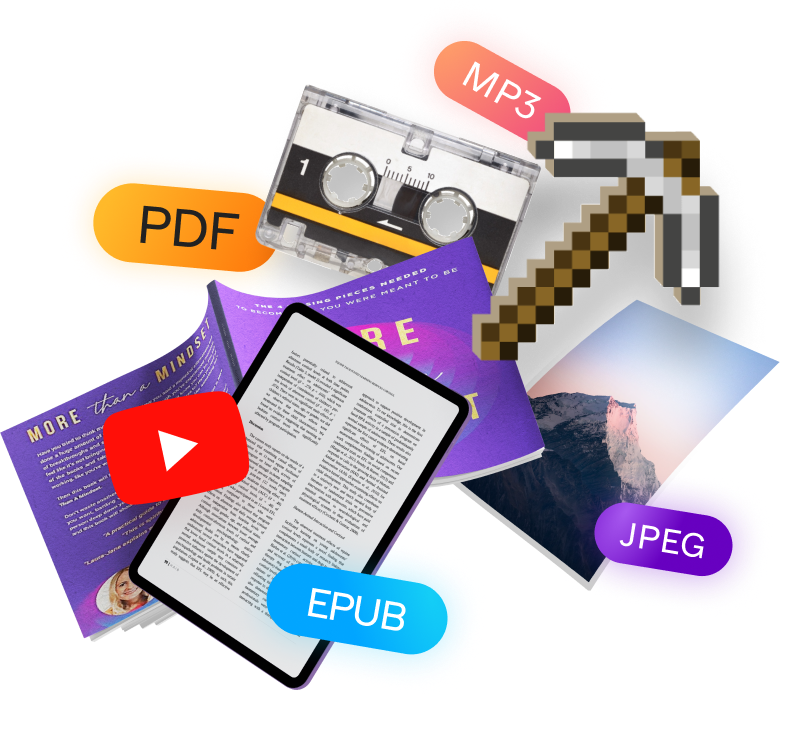
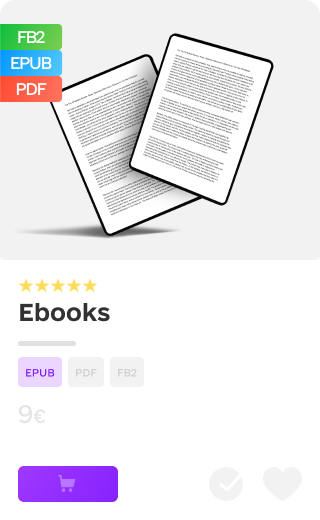
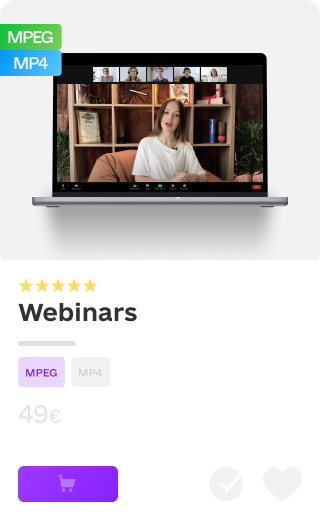
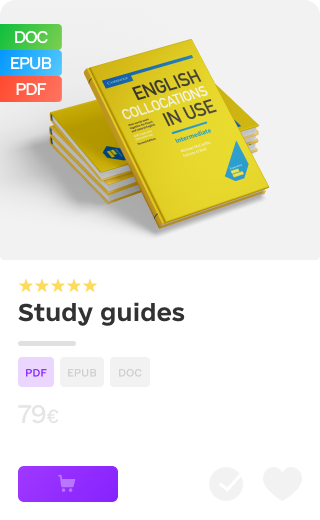
You can upload this type of files for sale: doc, docx, txt, rtf, pdf, epub, fb2, fb3, jpeg, jpg, png, mobi, djvu, mp3, mp4, mpeg, xIs, xIsx. Limitation - the size of one file is no more than 25 MB.
-
If I want to sell other types of files?
We plan to expand the functionality, but now you can download, for example, a pdf file with instructions and links to the relevant files.
-
Is it possible to combine digital and a physical product?
Yes. Create a combined item according to the instructions. The customer will select shipping and payment methods for the physical item when ordering, and the files will be available for download after the order is paid for.
-
How much does it cost to create a store with digital goods?
You can create a shop for free and get trial access to all features for 7 days. Then you choose the plan that suits you. Options for digital goods are available from the Standard plan. You can find a full description of all plans on the Pricing page.